Cart 0
Digital Education Specialist
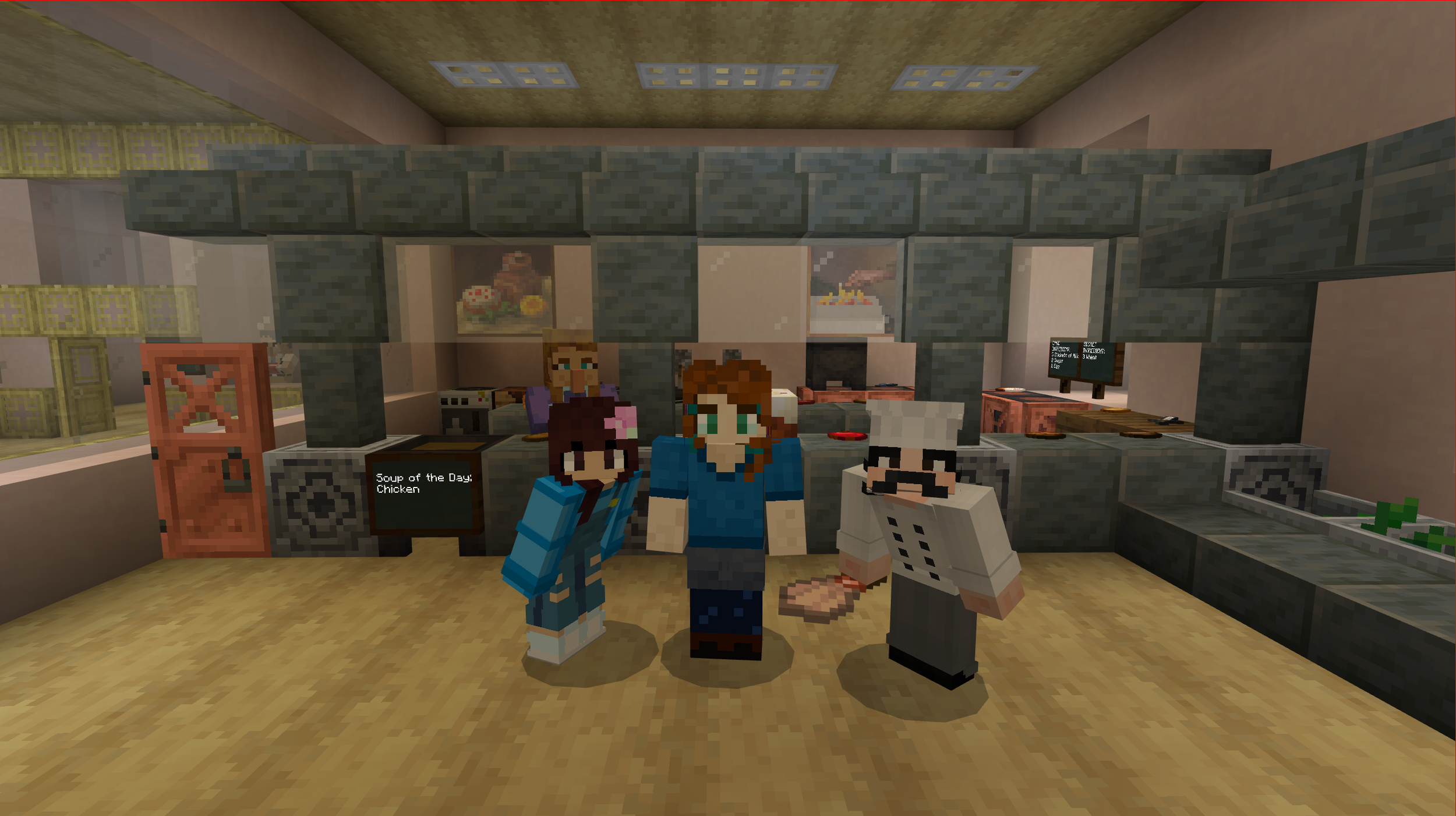
A Minecraft screenshot of three characters standing in front of a cafeteria kitchen counter

Builders at work on a cafeteria

Why Minecraft?

Imagine all the benefits of an assignment that has students demonstrate their learning using a model or diorama — but there’s no mess to clean up, student’s aren’t limited by the space on their desk or by how much their family can afford to spend at the craft store, and you can easily differentiate the learning for your diverse learners.

Or imagine that your class is learning about Italy. But rather than of looking at pictures in books or online, why not hop on a Vespa and zip from the Duomo in Florence to the leaning tower of Pisa? Out of our budgets, to be sure — unless you’re exploring them in Minecraft.

This is the power of Minecraft. It allows students the opportunity to learn in an immersive, engaging environment, leveraging the unique power of the game environment that encourages students to step out of their comfort zone, get things wrong, and try again.

The Impact

Read the Whitepaper to discover the very real effects Minecraft Education has on students and classrooms around the world.
Minecraft For Education

Minecraft Education has several features that make it ideal for use in the classroom.

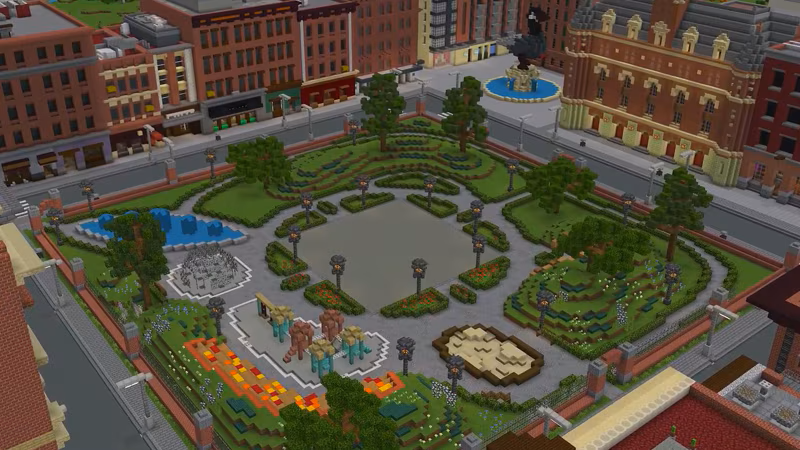
A Minecraft screenshot of a city park

Accessibility Park by Minecraft Education

Social/emotional & 21st Century Skills

From the project-based lesson approaches that build critical thinking, creativity, and problem solving skills, to the ability to play together in multiplayer mode that fosters collaboration and communication, Minecraft Education is uniquely positioned to develop 21st century skills.

 
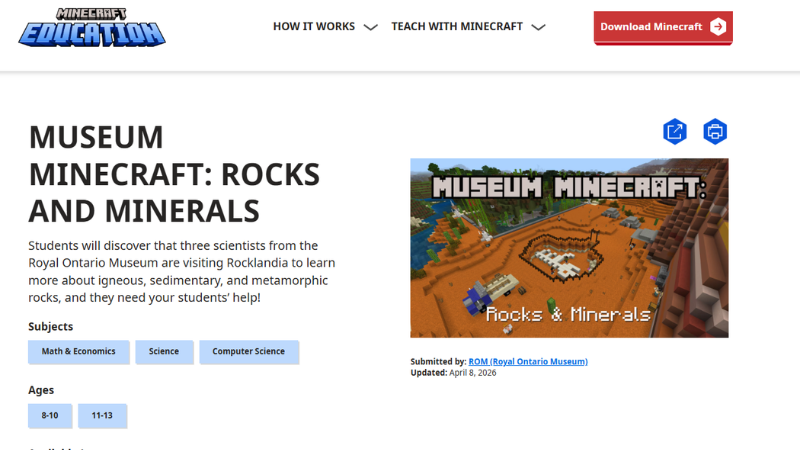
Screenshot of a lesson about Rocks and Minerals from the Minecraft lesson library

Lesson page from the Lesson Library

Lesson Library

The Minecraft Education lesson library is a repository of hundreds of lessons created by the Minecraft Education Team, and by educators from around the world who wanted to share their successful Minecraft lessons with other like-minded teachers. Use the “advanced search” option to search by age, subject, and language.

 
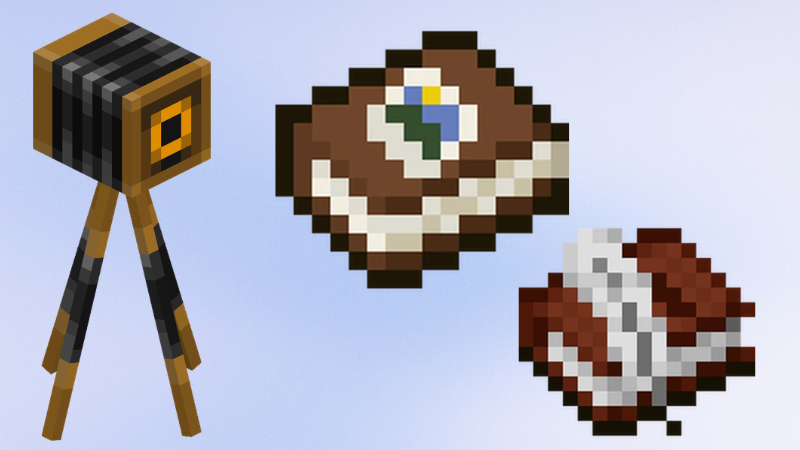
A Minecraft screenshot of the in-game camera, portfolio, and book & quill

Camera, Portfolio, and Book & Quill

In-Game Assessment Tools

One of the biggest questions we get when working with Minecraft for Education is “how do I see what my students are doing?” The camera, portfolio, and book & quill are excellent tools for students to be able to capture their learning in the game, write their own explanations of their work, and export it as a PDF.


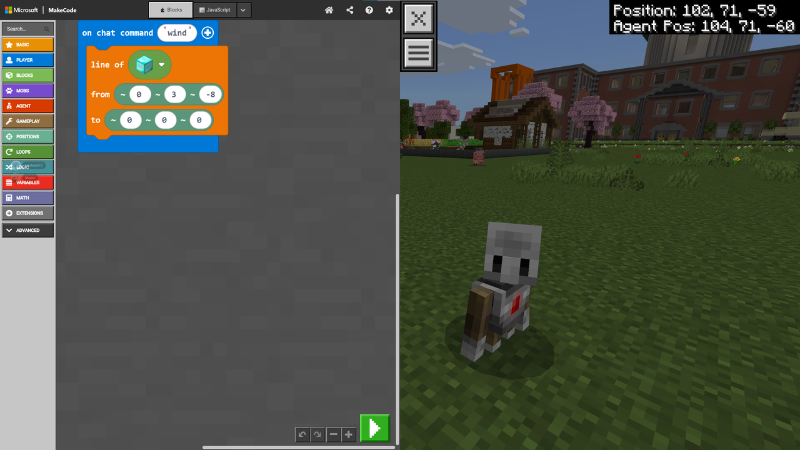
A MakeCode coding window and the Agent

Code Builder

Using the MakeCode language, the built-in Code Builder allows students to create and run code. The helpful Minecraft Agent acts as a companion or students’ coding journeys, and allows students to see the results of their code in a visual and dynamic way as they code the agent to perform a variety of helpful tasks.


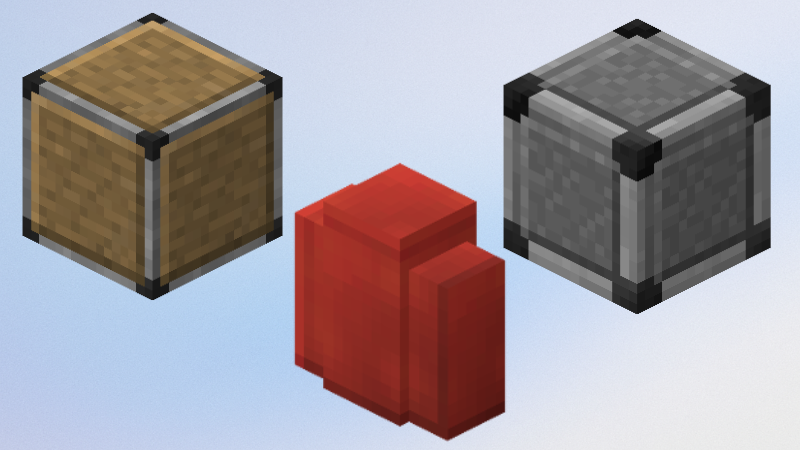
Allow, border, and deny blocks

builders’ Blocks

These blocks, exclusive to Minecraft Education, allow world creators to customize what parts of the world student have access to. From border blocks that define the play area, to allow blocks that permit building in an otherwise immutable world, to deny blocks that protect your demo builds and instructions, these blocks are essential worldbuilding tools for educators.


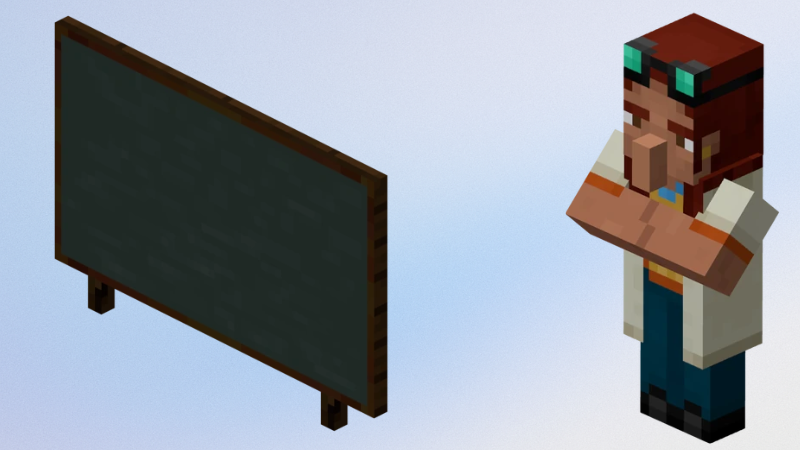
A chalkboard and an NPC

Instructional Tools

With boards and interactive Non-Player Characters (or NPCs), you can easily provide instructions for your students as rubrics, instructional text, or dialogue. Alternatively, your students can use these tools in their own builds to convey information they have learned about the topic of the build.

Minecraft Tutorials

When I began my Minecraft Education journey, there were many useful Minecraft tutorials out there, but not many specific to Minecraft Education. I set out to fill the gaps with tutorials I wish had been out there when I started. Together with ThatMinecraftGuy of Outsidetheblocks, we’re aiming to share what we learned with everyone starting out on their own Minecraft journeys.

Check out my Minecraft Tutorial playlist below, or tips for other EdTech on FantasiaTechCraft.

Minecraft Education Tips Playlist